

Getting high quality 3D prototypes ready for patent filing or hardware iteration too often means stacking expensive, recurring CAD tools and manual exports on top of one another. Many popular platforms either force you into long-term subscriptions, lack proper patent analysis or drafting features, or require complicated data migrations that slow down invention timelines. This overview breaks down the toolsets, pricing models, and workflow fit of five leading 3D prototyping software options so you can pick one aligned with your project scope and budget instead of defaulting to another paid renewal.
Table of Contents
- Inventify Studios
- Makistry
- Smithy
- Leo AI
- Bench
- Insights into Alternatives for 3D Prototyping Software
Inventify Studios

At a Glance
Access comes as a one-time payment for a six-month package — options start at $27 or $39 with no auto-renewals or hidden fees. Inventifystudios packages a set of AI tools for prototype generation, patent analysis, drafting, market research, and funding prep into a short-term subscription window.
Core Features
-
AI Prototype Generator — creates realistic 3D visualizations from your descriptions or sketches to help you see a concept before committing to tooling.
-
Patentability Analysis — runs prior art searches and produces a patentability score to help you decide whether to proceed with filing.
-
Provisional Patent Drafting — AI-assisted drafting that generates claim language and descriptive sections to form a provisional application starting point.
-
Market Analysis & Competitor Insights — evaluates potential demand and competitor positioning to shape product and pitch decisions.
-
Funding Preparation — builds investor-ready slides with basic financial forecasts and key metrics for early outreach.
Key Differentiator
A single six-month, pay-once model bundles prototype generation, patent checks, drafting templates, market research, and pitch materials into one purchase rather than an ongoing seat-based subscription.
Pros
-
The one-time payment for six months removes recurring subscription friction and makes short, focused invention sprints predictable in cost.
-
The toolset covers the full pre-filing workflow from visual concept to provisional draft, which keeps early-stage work inside one environment instead of stitching multiple tools together.
-
Educational content about patenting and documentation is included, which helps first-time inventors learn procedural steps while they work.
-
The platform is designed for individual inventors and small teams who need an affordable alternative to hiring consultants for initial validation and drafting.
Cons
- The platform is not a replacement for a qualified patent attorney; AI-drafted claims and analyses are useful starting points but require professional review before filing.
Who It's For
Solo inventors, hobbyists, and early-stage startups that need an affordable, hands-on toolkit to test ideas and prepare provisional filings without ongoing subscriptions. It suits creators who want to produce prototypes and draft documents themselves before committing to legal retainers.
Unique Value Proposition
The six-month pay-once model changes the economics for short projects. Instead of budgeting a recurring tool each month, you pay once for a defined window of access and can concentrate activity into that period without future billing uncertainty.
Real World Use Case
An independent inventor sketches a handheld gadget, uses the AI Prototype Generator to get a 3D render, runs the Patentability Analysis to filter prior art, and produces a provisional patent draft. The market analysis then refines product positioning and the built slides form the basis of an early investor outreach.
Pricing
Two prepaid options: $27 for six months (Essential Starter) or $39 for six months (Business Plan). The vendor advertises no hidden fees and no auto-renewals, so the cost is fixed for the six-month access period.
Website: https://inventifystudios.com
Makistry
At a Glance
Generate and edit 3D models using natural language prompts. Makistry centers its workflow on a four step process: spark, brainstorm, generate 3D CAD, and export or share projects.
The product emphasizes ease of use for nontechnical creators while offering exports to common CAD formats.
Core Features
- Text prompts for design generation and iterative edits that let you describe geometry instead of drawing it.
- Real time interaction and in app editing so shapes update as you refine prompts and parameters.
- Version history and iteration support that preserves prior states for rollback and comparison.
- Community project sharing with remixing, likes, and progress badges to track activity.
- Export options including STEP, STL, PDF and other common formats for prototyping or manufacture.
Key Differentiator
Makistry’s main claim is that it makes parametric CAD accessible via natural language prompts. That focus targets makers who want to move from idea to a CAD file without learning detailed modeling workflows.
This is a narrower audience than Inventify Studios. Inventify Studios combines AI prototype generation with patent analysis and draft support, while Makistry concentrates on hands on model creation and community exchange.
Pros
- Visual outputs are appealing for specific physical products, which helps when you need presentation ready renders quickly rather than detailed engineering drawings.
- Some users report fast, responsive support. That responsiveness speeds short feedback loops during rapid prototyping.
- Interactive prompts reduce the number of manual modeling steps, saving time on common geometry tasks for hobby projects.
- Community features encourage sharing and remixing, which can jumpstart a design by building on someone else’s model.
- Built in export to common manufacturing formats removes an extra conversion step before printing or sending to a partner.
Cons
- Numerous user reviews allege scams, poor product quality, and customer service problems; those reports are prominent in community feedback.
- There are significant complaints about shipping delays, nondelivery, and fraud allegations that affect trust in paid offerings and physical fulfillment.
- Several users report slow or inadequate responses when requesting refunds or returns, creating friction for buyers who need reliable logistics.
When It May Not Fit
If you need enterprise grade vendor reliability or guaranteed fulfillment, Makistry’s reported logistics and refund problems make it a risky choice. Avoid this tool for mission critical projects where supplier trust and prompt customer service are nonnegotiable.
Also skip Makistry if you require deep parametric control for complex assemblies that need precise mechanical constraints rather than rapid concept models.
Who It's For
Makers, hobbyists, educators, and early stage product designers who want a low barrier way to produce 3D models from descriptions. It suits users who prioritize quick concept iterations and community feedback over industrial grade QA.
Real World Use Case
A startup designer uses Makistry to turn a written brief into several prototype STL files during a 48 hour sprint. The team refines prompts to test form variations, exports STEP files for a local machine shop, and shares versions in the community for quick feedback.
Website: https://makistry.com
Smithy
At a Glance
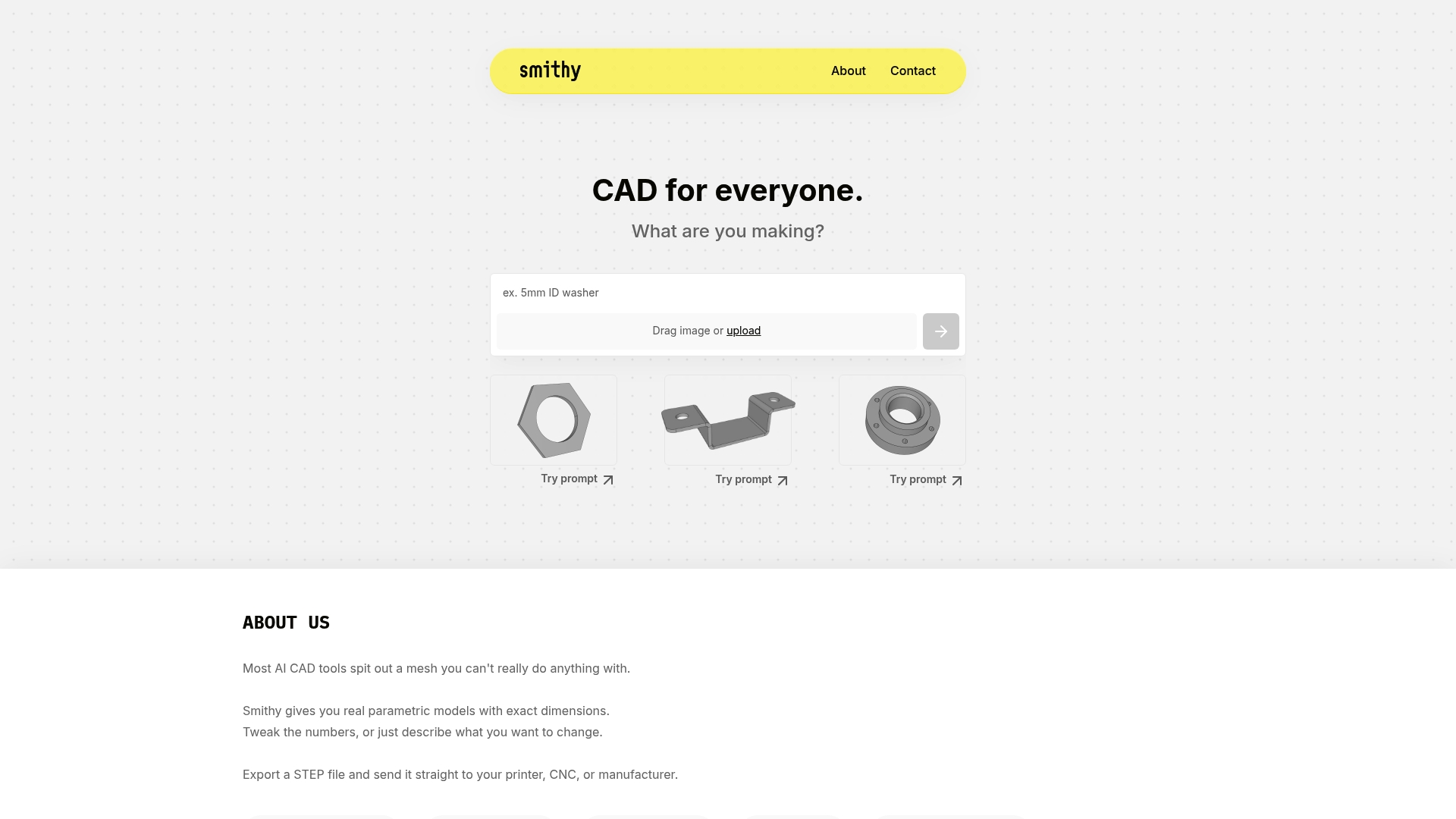
Exports native STEP files directly from a browser app and runs on mobile with no subscription required. Smithy delivers true parametric geometry with exact dimensions you can edit with plain language prompts. That combination targets engineers and makers who need production-ready output fast.
Core Features
- Real parametric models that keep dimensional intent so parts remain editable and accurate for manufacturing.
- Editable parameters driven by plain English prompts or more detailed text input for fine control.
- Direct export to STEP files for CNC, injection molding, or 3D printing workflows.
- Browser based with mobile compatibility so you can iterate on a tablet or phone.
- No subscription barrier for basic use, with credit controls for heavier workloads.
Key Differentiator
Smithy focuses on delivering editable, dimensionally accurate CAD instead of mesh approximations. The core distinction is that models remain parametric and editable after AI generation, and you can drive changes with natural language rather than clicking through menus. That makes it useful when you need specification grade parts rather than quick concept visuals.
Pros
- Accurate parametric output means exported parts map directly to manufacturing tolerances rather than requiring rebuilds from meshes.
- Editing with plain English speeds iteration. Tell Smithy to change a shaft diameter and the model updates with the correct constraints.
- STEP export removes the handoff step where designers translate geometry into production formats.
- Browser and mobile access let small teams prototype without heavy workstation installs.
- No subscription for casual use lowers the barrier for hobbyists and students.
Cons
- There is a learning curve. Users familiar with sketch and constraint workflows still need time to adapt to prompt driven parameter edits.
- Some users report high credit consumption for very complex assemblies, which makes cost predictable only after testing the workload.
- Managing credits requires attention; teams that run many heavy exports will need an internal policy to avoid surprises.
- Modeling context windows are limited so very large assemblies may need to be split across sessions.
When It May Not Fit
If your team requires unlimited complex assemblies in a single session, Smithy’s context limits and credit model will slow you down. If predictable flat monthly billing is a hard requirement, the credit based costs for heavy use make other tools easier to budget. Also avoid it if you need integrated patent analysis or market validation services not offered here.
Who It's For
Engineers, product designers, and experienced hobbyists who need precise, editable CAD that moves straight into production files. It suits teams that value parametric control and plain language editing and who accept a credit model for heavier computational work. It is narrower than Inventify Studios which combines prototype generation with patent analysis and market validation.
Real World Use Case
A mechanical engineer prototypes a sensor mount in a browser. They change bore sizes by typing a sentence, verify fit with exact dimensions, and export a STEP file. The file goes straight to a 3D printer and then into a short CNC run without rebuilding geometry.
Website: https://smithy.new
Leo AI
At a Glance
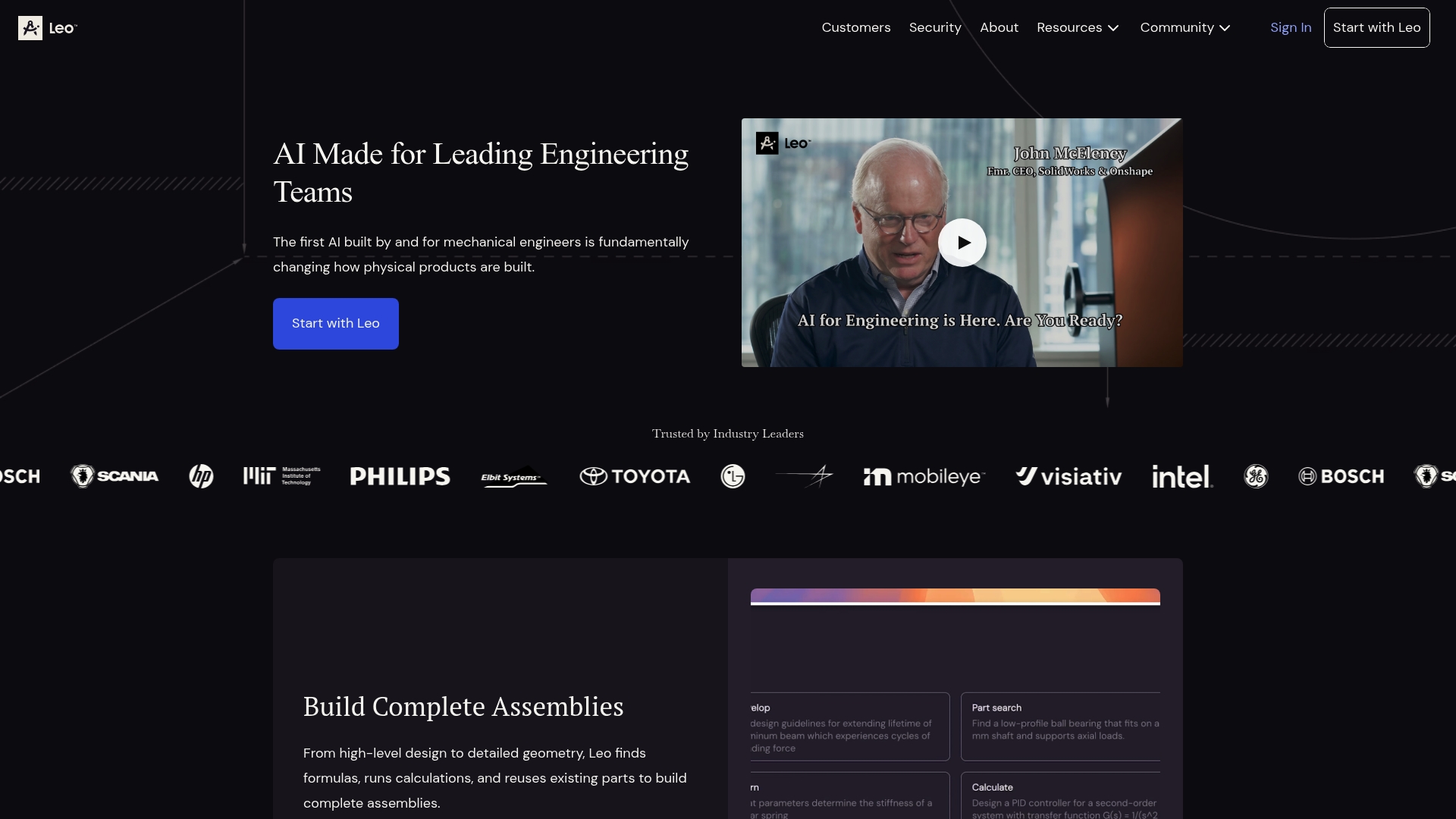
The vendor advertises validation across 1 million trusted engineering references, a claim that underpins Leo AI's pitch as a domain-aware assistant for mechanical design. The product targets engineers who need assembly generation, calculation support, and knowledge retrieval tied to PLM data.
Core Features
Leo AI focuses on engineering workflows and delivers these capabilities.
- Build complete product assemblies from high-level design to detailed geometry, accelerating initial CAD work.
- Unlock legacy engineering knowledge to reduce repeated mistakes and recover institutional know-how.
- Find optimal parts by searching PLM entries and extensive vendor databases for fit and cost.
- Solve engineering calculations for stress, material selection, and related analyses.
- Leverage the Large Mechanical Model, a patent-backed approach trained on engineering data and practices.
Key Differentiator
Leo AI is purpose built for mechanical engineering teams rather than generalist assistants. That vendor claim about the 1 million reference corpus is central: it frames the model to validate suggestions against engineering sources and organizational data, not generic web text. This makes outputs easier to trust in regulated or traceable environments.
Pros
- Reduces repetitive tasks. Offloading routine assembly scaffolding and parameter calculations frees engineers to focus on exceptions and optimization.
- Reliable citations accompany many outputs, which helps technical reviewers trace assumptions back to source material during design reviews.
- Integrates with PLM workflows so model suggestions map onto your existing part library and lifecycle rules.
- Enterprise security and compliance features are highlighted, which matters for firms that must protect intellectual property and meet audit requirements.
- Vendor reports 24/7 support, useful for teams running continuous engineering cycles across time zones.
Cons
- Public third-party community discussion is limited, so peer troubleshooting and shared recipes outside official channels are sparse.
- Advanced niche features beyond assembly creation and calculation support are not fully documented in the available materials.
- Pricing is not disclosed publicly, which complicates early budgeting and procurement discussions for larger teams.
When It May Not Fit
If your team relies heavily on a broad, active user community for templates, hacks, and open discussion, Leo AI may feel isolated compared with community-driven tools. Also, organizations seeking a fully transparent, self-service pricing page will need to engage sales early to get numbers.
Who It's For
Mechanical engineering teams inside manufacturing or product development firms that need AI assistance tied to PLM data, institutional knowledge, and validated engineering sources. Best for groups that value traceability and enterprise security over community-sourced extensions.
Real World Use Case
A manufacturer integrated Leo AI to auto-generate assembly skeletons from functional requirements, run initial stress calculations, and pull legacy design rationale from PLM. The team reported fewer rework cycles and faster prototype iterations after adopting the assistant into daily CAD workflows.
Pricing
The vendor does not disclose public pricing. Procurement typically requires a sales conversation to obtain licensing, deployment, and enterprise support figures. Expect enterprise licensing terms rather than per-seat consumer plans.
Website: https://getleo.ai
Bench
At a Glance
According to the vendor, a robotics company reduced CAD-related delays by 70% after adopting Bench for model cleanup and simulation prep. That claim highlights the platform's focus on cutting iterative friction inside CAD and CAE workflows.
Core Features
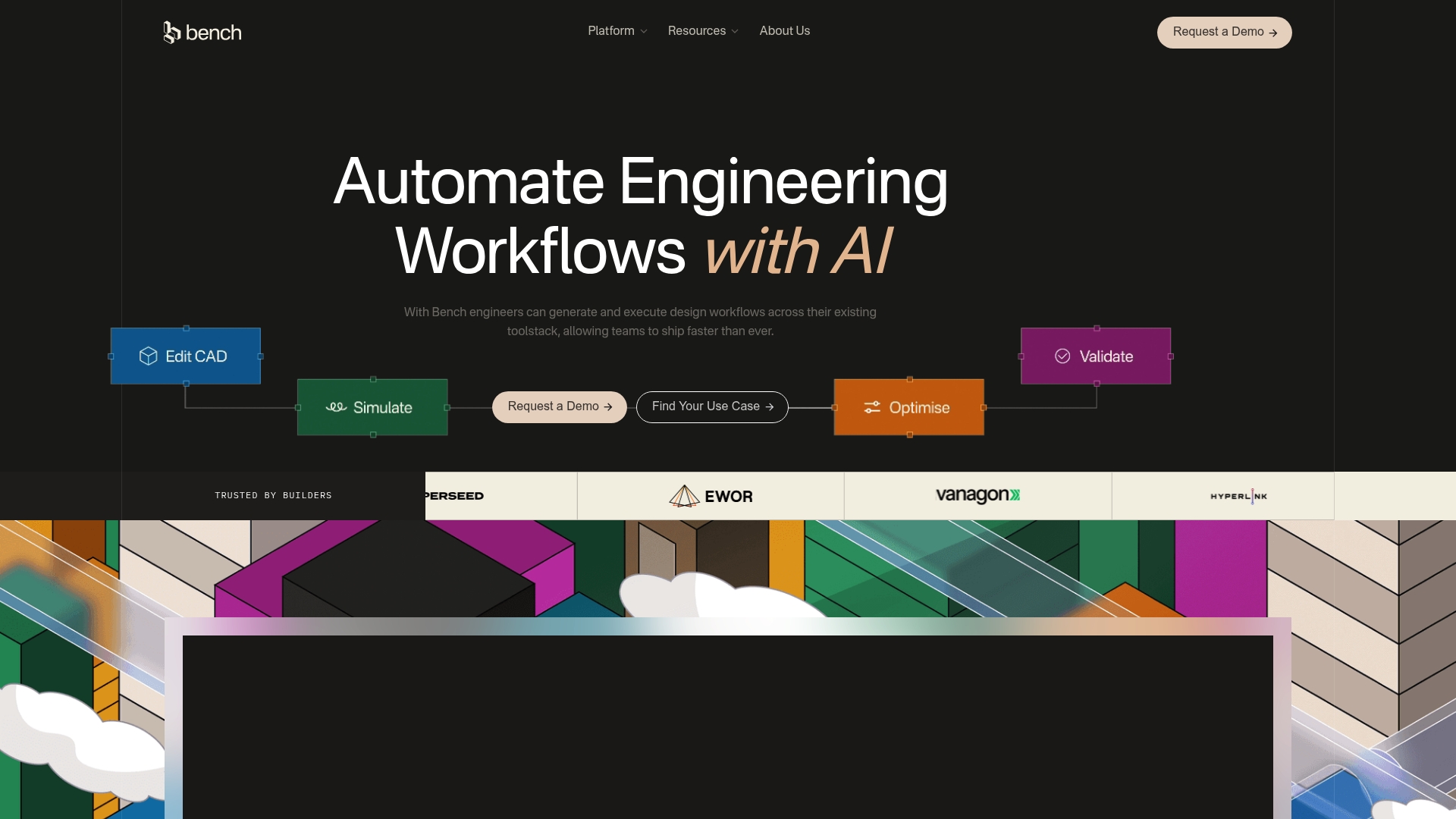
Bench automates end-to-end design workflows across common CAD and CAE tools, turning manual prep tasks into repeatable pipelines. It deploys AI agents that act on connected sources so actions remain context aware. Bench also supports autonomous optimization loops and rebuilding scanned models into parametric CAD.
Key Differentiator
Bench advertises deep, low-friction connections to existing engineering toolchains so teams do not migrate data to a new system. That integration-first approach lets engineers keep their CAD, CAE, and PLM investments while automating repetitive work inside familiar tools.
Pros
-
Faster iteration. Bench aims to compress processes that once took days into minutes by automating geometry prep and routine simulation setup.
-
Keeps toolchain intact. The integration focus avoids data migrations and preserves existing file histories and PLM links.
-
Scales without adding headcount. Deployable agents let a small engineering team run more design permutations without hiring additional staff.
-
Context-aware automation. By taking input from connected sources, Bench reduces brittle scripts and preserves upstream context for simulations.
Cons
-
Limited independent feedback. Public third-party user reviews are not available, which leaves real-world reliability and edge-case behavior underdocumented.
-
Pricing and licensing details are not listed in the product data, so total cost of ownership is unclear for procurement teams.
-
Enterprise verification. The marketing mentions enterprise-grade security and scalability but the product data does not list certifications or audit details customers often require.
When It May Not Fit
If your procurement process requires public customer references or third-party case studies, Bench's sparse external feedback makes vendor evaluation harder. Organizations needing explicit audit reports or contract-level certification details will want those items verified before purchase.
Who It's For
Engineering teams embedded in mature CAD and CAE ecosystems that want to reduce manual work and iterate faster without changing core tools. Best suited to groups that can pilot automation on a single workflow and expand gradually.
Real World Use Case
A robotics team used Bench to automate geometry cleanup, mesh prep, and solver setup across its part library. According to the vendor, that pilot cut CAD-related delays by the 70% figure above and reduced error-prone manual steps during release cycles.
Pricing
Not applicable according to the product data. The vendor did not publish pricing in the provided information so contact with Bench is required to obtain licensing and deployment cost estimates.
Website: https://getbench.ai
Insights into Alternatives for 3D Prototyping Software
Evaluating software options for 3D prototyping depends on the surrounding workflows, project requirements, and anticipated outcomes. Several alternatives cater to diverse scenarios, offering unique features and approaches.
Pricing and Commitment Scope
Inventify Studios distinguishes itself with a, budget-conscious pricing structure. By offering one-time payments for a six-month access period, it eliminates the uncertainty of recurring fees, making it ideal for projects with well-defined durations. On the other hand, Smithy employs a credit-based pricing model, providing cost flexibility aligned with usage intensity, though it introduces variability in financial expectations. Leo AI and Bench do not disclose public pricing, shifting the suitability to broader enterprise consultations rather than individual users needing instantly budgets.
Feature Specialization and Workflow Integration
While Inventify Studios excels in providing tools for full cycles of design ideation to provisional patent preparation, Smithy targets precise CAD tasks, incorporating real parametric editing and direct STEP file exports essential for manufacturing workflows. Bench's automation capabilities explore a scale-up for teams within established engineering toolkits without compromising compatibility. These distinctions define individual spans of functionality and integration.
Best Fit
- Select Inventify Studios for encompassing tools useful for early-stage inventors aiming to align patent analysis with market-driven product validation.
- Consider Smithy for scenarios demanding accurate parametric modeling carried directly into manufacturing pipelines via STEP exports.
- Choose Leo AI if centralized engineering workflows leveraging historical data integration are.
- For process-heavy enterprises, Bench alleviates pressures by enabling throughput improvements and eliminating bottlenecks in simulation setups through automation frameworks.
Our Pick
Inventify Studios emerges as a highly adaptable choice due to its packaging of AI-driven tools tailored for inventors managing the complexities of ideation, validation, and early preparation stages in one cost-effective access window. However, users requiring precision in production-grade CAD files or uniquely customized enterprise integrations may explore competitors like Smithy or Bench, respectively.
Tailor your choice to align software capability strengths to your specific project demands.
3D Prototyping Software Comparison
Explore top platforms for 3D prototyping to find the best fit for your project's design and development needs.
| Product Name | Core Feature | Key Differentiator | Pricing | Notable Limitation |
|---|---|---|---|---|
| Inventifystudios | AI-driven prototyping toolkit | Pay-once six-month subscription model | $27 or $39 for six months | AI-generated drafts require professional review |
| Makistry | Natural language CAD generation | Community-driven design sharing | Not disclosed | Reports of customer service and reliability issues |
| Smithy | Parametric CAD with STEP exports | Real parametric control with plain input | Credit-based usage | Requires learning curve for text-based editing |
| Leo AI | Engineering-focused product modeling | Validates designs against trusted references | Not disclosed | Limited peer-to-peer community support |
| Bench | CAD-CAE workflow automation | Integrates deep within existing toolchains | Not applicable | Sparse public user feedback and lack of certifications |
Consider Inventifystudios as Your Top Inventex.ai Alternative
If you are exploring inventex.ai alternatives to simplify invention validation and boost prototype creation, Inventifystudios offers a straightforward, affordable solution designed for inventors like you. By combining AI-driven tools for prototype generation, patent analysis, and provisional patent drafting into one easy platform, Inventifystudios removes the costly hurdles often faced during early invention stages. This means you can focus on actually developing your ideas with confidence and clarity.

Experience how Inventifystudios helps you create detailed 3D prototypes in minutes and assess patentability without hidden fees. Visit Inventifystudios now and start building patent-ready drafts to bring your invention concepts closer to reality.
Frequently Asked Questions
How does Inventifystudios help streamline the prototyping process?
Inventifystudios offers an AI Prototype Generator that creates realistic 3D visualizations from user descriptions or sketches. This feature helps users visualize concepts before committing to tooling, streamlining the prototyping process significantly. As a result, users can save time and resources by refining their ideas early on.
What is the difference between Inventifystudios and Makistry?
Makistry allows users to generate and edit 3D models using natural language prompts, making it accessible for nontechnical creators. While this is an advantage for those prioritizing quick concept iterations, Inventifystudios specializes in a comprehensive pre-filing workflow that includes patent analysis and drafting templates, which suits those looking to prepare for filing patents effectively.
Which platform is better for detailed patent drafting, Inventifystudios or Smithy?
Inventifystudios includes AI-assisted provisional patent drafting that generates claim language and descriptive sections to form a solid starting point for applications. In contrast, Smithy focuses more on creating accurate parametric models for manufacturing, which means users seeking detailed patent documentation should consider Inventifystudios for that specific need.
Can I use Inventifystudios for short-term invention sprints?
Yes, Inventifystudios caters to solo inventors and small teams with its one-time payment for a six-month package, making it ideal for short, focused invention sprints. This pricing model allows for predictable costs without ongoing subscriptions, appealing to those testing ideas rapidly.
Does Inventifystudios provide educational content for first-time inventors?
Inventifystudios includes educational content about patenting and documentation as part of its package, which supports first-time inventors in learning procedural steps while they work. This guidance can be crucial for those who may feel overwhelmed by the patent process.