
![Understanding Prototype Manufacturing [2026] - StudioRed](https://csuxjmfbwmkxiegfpljm.supabase.co/storage/v1/object/public/blog-images/organization-29947/1779577148947_understanding-prototype-manufacturing-2026-studiored.jpeg)
Validating invention ideas from prototype to provisional patent application often gets stalled by subscription fees and the need to coordinate multiple tools or services. Most invention development software either restricts access with recurring billing or lacks essential early-stage features like automatic prior art search and provisional draft generation in a single workflow. This guide compares non-subscription invention development software platforms so you can find the one that delivers the right balance of prototyping, patent readiness, and upfront cost control for your next product idea.
Table of Contents
Inventify Studios
At a Glance
Inventify Studios’ marketing emphasizes one-time payment options with no auto-renewals or hidden charges alongside AI tools for inventors. The platform packages prototype visualization, patent analysis, and investor prep into time-limited access plans rather than ongoing subscriptions.
Core Features
-
AI-generated 3D prototype visualization from description or sketches, intended to turn rough ideas into presentable models.
-
Patentability analysis that includes prior art search and a scoring signal to help triage which concepts to pursue.
-
Provisional patent draft generation with suggested legal language to accelerate filing readiness.
-
Market analysis and funding prep tools for investor decks and basic financial forecasts.
Key Differentiator
An end-to-end, AI-driven workflow that spans ideation to provisional drafting while avoiding continuous subscription billing. The product data positions that combination as the defining capability: prototype generation, prior art scoring, and investor materials all accessible under short-term access plans.
Pros
-
The payment model above removes month-to-month billing anxiety. Paying for a block of access can be cheaper for a solo inventor who wants bursts of work without ongoing fees.
-
The prototype tool converts sketches or short descriptions into 3D visuals quickly, which is helpful when you need a sharable mockup for early feedback or a pitch.
-
Patentability scoring and prior art search let you reject weak ideas before spending on formal searches, saving time and filing fees.
-
Draft provisional text gives a concrete starting point for an attorney, reducing the billable hours needed to turn concept notes into a filing.
-
Accessible educational guides and documentation help first-time inventors prepare basic filings and investor materials from home.
Cons
- The platform focuses on early-stage development; legal drafts are for guidance and the vendor advises review by a patent attorney, so you will still need outside legal or manufacturing partners for later stages.
Who It’s For
Solo inventors, hobbyist creators, and small teams who want affordable, hands-on tools to validate ideas, produce prototypes for pitching, and prepare provisional filings without a large consulting retainer. Not for companies needing full manufacturing or end-to-end commercialization services.
Unique Value Proposition
Six-month access plans starting at the prices listed below let you run a full early development cycle—idea to investor deck—without a recurring subscription. That changes the economics for inventors who work in bursts and want predictable, capped costs for tools and drafts.
Real World Use Case
An independent inventor sketches a new kitchen gadget, uses the prototype tool to produce a 3D render, runs a prior art search to screen novelty, generates a provisional draft to hand an attorney, and exports an investor presentation for a seed meeting, all within a single access period.
Pricing
Plans are time-limited rather than per-month subscriptions. The product data lists $27 for six months (Essential Starter) and $39 for six months (Business Plan), with access to the platform tools for the duration of the plan and options to renew.
Website: https://inventifystudios.com
Inventify Studios
At a Glance
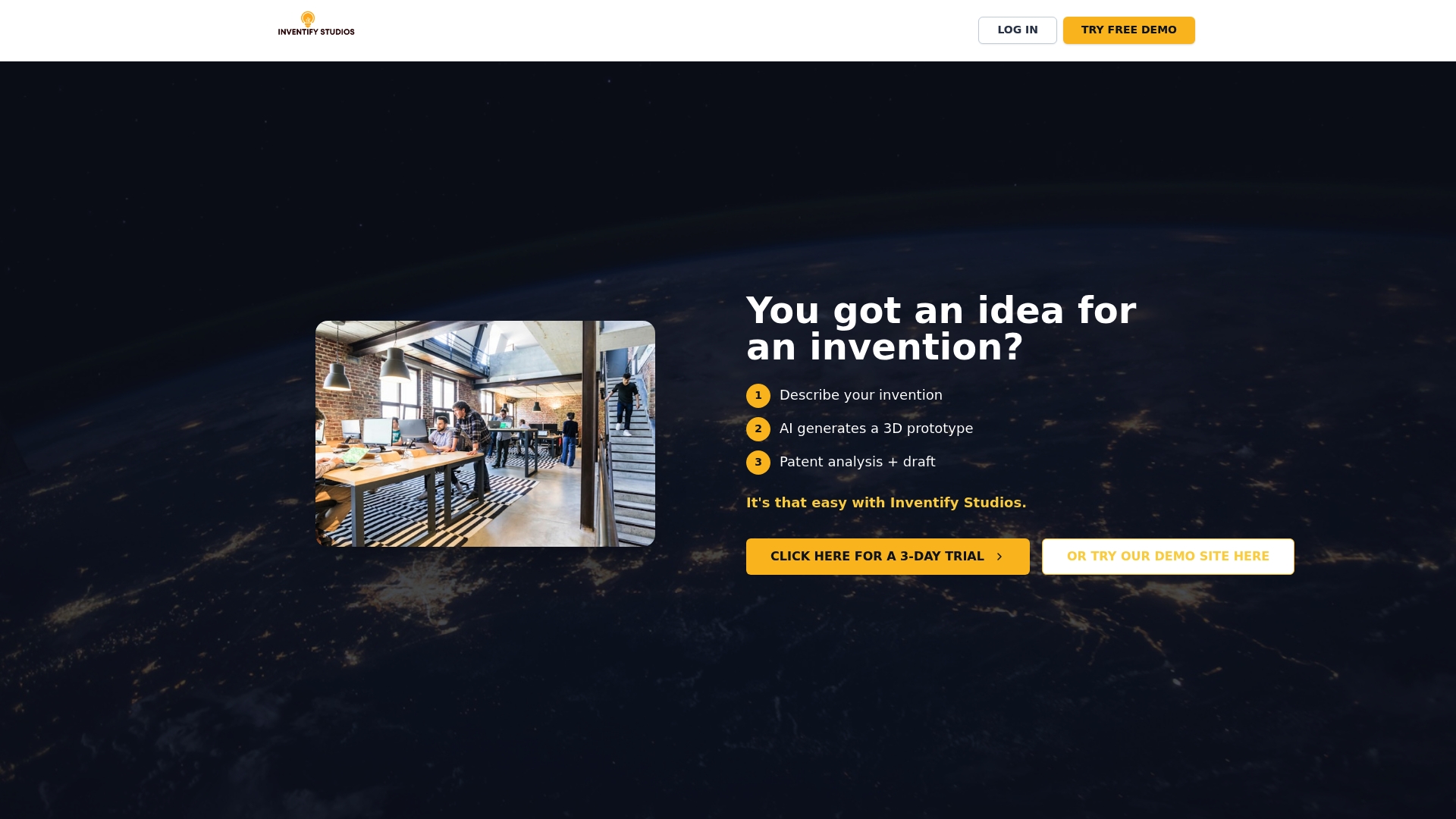
Inventify Studios advertises one-time payment plans with no auto-renewals or hidden fees — a pricing promise that changes the early-stage inventor math compared with monthly subscriptions. The vendor also advertises fast turnaround for prototype visuals and reports, which matters when you want quick validation.
Core Features
-
AI prototype generator that turns sketches or photos into 3D visualizations you can inspect and share.
-
Patentability analysis with prior art search and a novelty scoring step to flag obvious blockers early.
-
AI-assisted provisional patent drafting that produces draft language you can refine before filing.
The platform also includes market and go-to-market analysis and funding prep tools such as investor pitches and revenue forecast templates.
Key Differentiator
Inventify Studios centers its offer on an accessible price model and automated tools tailored to individual inventors rather than firms. That combination targets people who want to validate an idea from home without up-front lawyer or engineering retainers, trading specialist depth for speed and cost predictability.
Pros
-
Quick entry: You can get a visual prototype, a patentability report, and a draft in a single workflow, which speeds early decision making.
-
Lower upfront cost: The pricing promise above makes initial validation less risky for solo inventors who cannot afford retainers.
-
Practical outputs: Built-in market analysis and pitch templates give creators concrete materials to show investors or partners.
-
Low technical barrier: The prototype generator reduces the need to hire a modeler for straightforward consumer product concepts.
Cons
-
Limited external validation: There is a lack of substantive third-party reviews or case studies, so you are relying mostly on vendor materials.
-
Legal accuracy questions: The draft patent language is AI-produced and the company offers limited public evidence about its legal reliability.
-
Support detail gap: The documentation does not clearly describe onboarding or hands-on support levels for first-time filers.
When It May Not Fit
If your invention is mechanically complex, safety critical, or requires specialized engineering, this service is not a substitute for professional engineering work. The vendor warns that generated legal documents are not a replacement for an attorney for formal filings.
Do not choose Inventify Studios when you need bespoke patent prosecution strategy, device lab testing, or expert claim drafting for complex technology.
Who It’s For
Solo inventors and early-stage entrepreneurs testing product ideas with limited budgets will get the most from Inventify Studios. Those who want quick, inexpensive validation and draft materials to inform a next step will find the trade-offs acceptable.
Real World Use Case
An independent inventor sketches a consumer kitchen gadget, uploads images, and receives a 3D mockup plus a prior art summary. Using the provisional draft and market slide deck, they test demand with a landing page and preorders before committing to tooling.
Website: https://inventifystudio.com
Anima
At a Glance
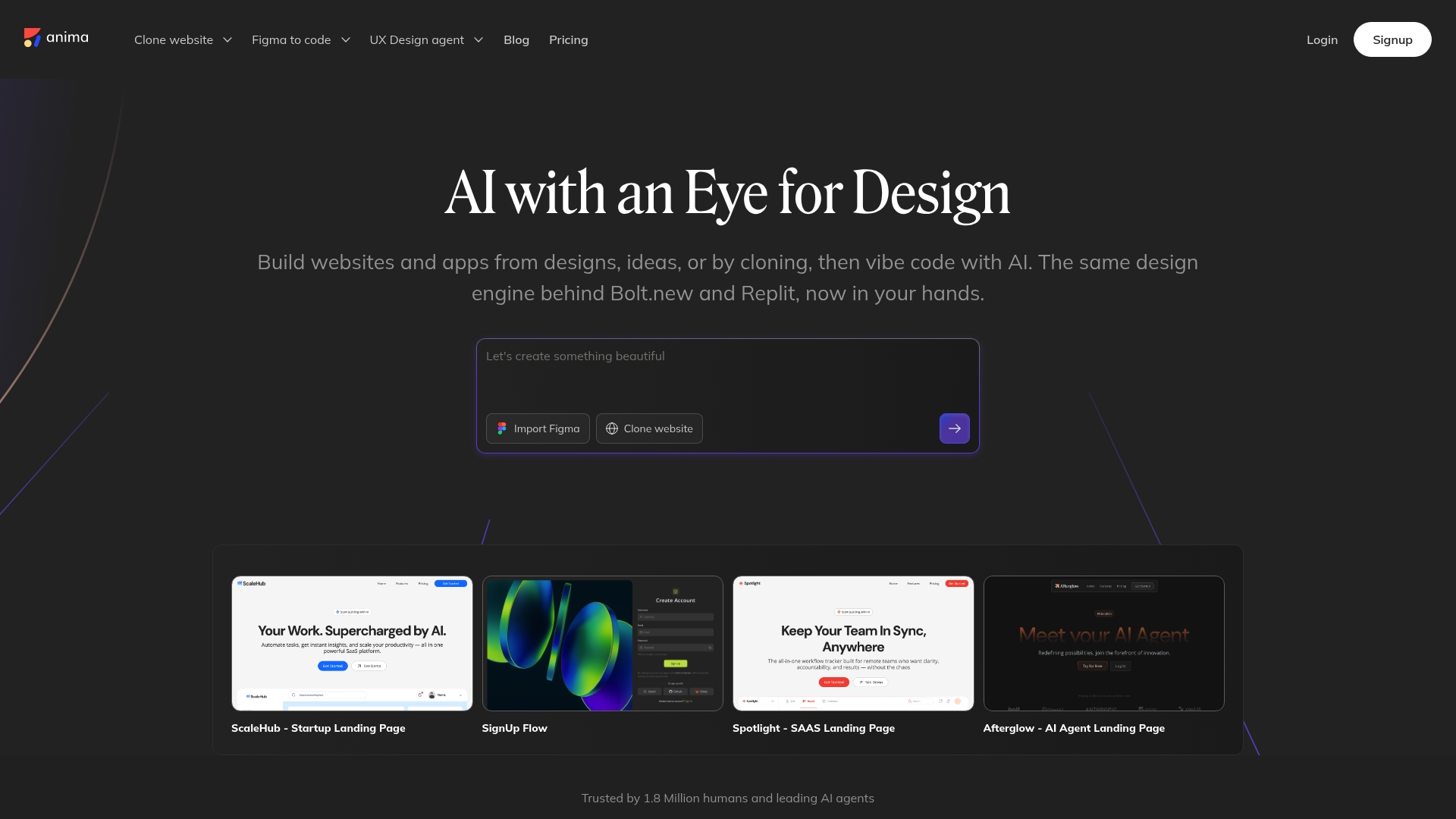
Anima’s marketing materials report more than 1.5 million users, and that scale is visible in community templates and public examples. The platform turns Figma, Adobe XD, and Sketch files into shareable prototypes and reusable code with AI assistance, aiming to cut prototyping time sharply.
Core Features
-
Design to code conversion from Figma, Adobe XD, and Sketch into HTML, React, and Vue.
-
Website cloning and private import for capturing live sites and iterating on them locally.
-
Built-in database for wiring live data into prototypes and demos.
-
AI-assisted prototyping that helps iterate visuals and markup quickly.
-
One-click publishing to share interactive prototypes or lightweight sites.
Key Differentiator
Anima focuses on integrated AI-driven code generation that moves a design file all the way to deployable front end artifacts. That single workflow reduces handoffs between design and engineering by producing code that is intended to be readable and reusable rather than a static slice of pixels.
Pros
-
Speeds the handoff. Designers can produce exportable components and basic React structures without a developer in the loop, which shortens iteration cycles.
-
Low friction for small teams. The interface is approachable for solo designers and product teams who need faster prototypes.
-
The user figure above supports an active community. You will find templates and examples that speed learning and setup.
-
Enterprise options include API access and compliance controls, so larger teams can automate exports and fit Anima into CI flows.
Cons
-
Core capabilities sit behind paid plans. The free tier is usable for trials but the paywall limits features many teams rely on for production work.
-
Export options are not as deep as some competitors, which can require manual cleanup for complex component trees.
-
Support response times can be inconsistent, and occasional bugs affect export fidelity during peak updates.
When It May Not Fit
Avoid Anima if you need guaranteed SLA support for production exports or if your workflow depends on a precise, one hundred percent faithful code output without postprocessing. Also skip it if advanced export features are a hard requirement for your engineering pipeline.
Who It’s For
Designers, front end developers, and product teams that want faster prototypes and a closer design to code loop. It matches teams that prioritize speed and readable output over a perfectly pristine production build out of the box.
Real World Use Case
A startup used Anima to convert Figma screens into HTML and React components, then iterated with live data to validate UX. The team moved from static mocks to working pages in days which improved developer alignment and shortened feedback loops.
Pricing
Free tier available with limited features. Paid plans start at $20 per month for Starter, $40 per month for Pro, and custom enterprise plans start at $150 per month.
Website: https://animaapp.com
Comparing Alternatives for Invention Development Platforms
Choosing the right tool to support your invention development process involves aligning your needs with specific platform capabilities. Comparing Inventify Studios, Anima, and alternative tools allows for an insightful understanding of their unique contributions to the ideation and prototyping stages.
Features for Early-Stage Development
Inventify Studios caters primarily to independent inventors by offering a unified suite of tools to create prototype visuals, conduct patent analyses, and draft filing documentation—all accessed through a cost-effective time-limited plan. This feature set contrasts with Anima, which excels in translating design prototypes into functional code for web and mobile applications. Inventify’s tailored focus on physical product prototypes and introductory market analysis marks a crucial differentiation point for non-digital inventors.
Affordability and Payment Structure
Regarding pricing models, Inventify Studios adopts a notable approach by providing six-month access plans without recurring subscription fees, making it budget-friendly for hobbyists and infrequent users. On the other hand, Anima follows a traditional SaaS model with tiered monthly plans, which may appeal more to ongoing, collaborative development teams. The appeal of Inventify lies in its ability to lower entry barriers for creators with intermittent project cycles.
Best Fit Scenarios
-
For solo inventors who require affordable and efficient early-stage prototyping and patent groundwork, Inventify Studios delivers streamlined tools without long-term commitments.
-
For teams needing to convert detailed design files into deployable code while maintaining strong design integrity and data flow capabilities, Anima excels in these tasks.
-
Professionals focusing on digital interface prototypes with the need for sharable live previews might find other dedicated tools like Anima advantageous.
Our Pick
Inventify Studios is ideal for individual creators and small teams focused on tangible inventions who value cost-effectiveness and straightforward access to practical development tools. However, it is less suited for endeavors involving sophisticated engineering or full-stack digital development, where tools like Anima provide more specialized solutions.
Invention Development Software Comparison
When seeking tools to streamline the invention development process, the options below offer different approaches to prototyping, patent analysis, and presentation preparation.
| Product | Core Feature | Key Differentiator | Best For | Pricing | Notable Limitation |
|---|---|---|---|---|---|
| Inventifystudios | AI-generated 3D prototypes, patent drafting | End-to-end workflow for inventors | Solo inventors, small teams | $27/6 months Essential | Guidance-level legal text; attorney needed |
| Anima | Design to code conversion from design files | AI-driven reusable front-end code generation | Designers, product teams | $20/month Starter Plan | Complex export requires manual adjustment |
Find a Smarter Way to Bring Your Invention to Life
If you are exploring inventifystudio.com alternatives for a user-friendly, affordable, and AI-powered invention platform you can trust then Inventify Studios offers exactly what solo inventors and hobbyists need. Many face challenges like high ongoing subscription fees, complicated legal drafts, and limited prototype options. Inventify Studios answers these with one-time payment plans, AI-generated 3D prototypes from sketches, and clear patent analysis to help you confidently validate and protect your ideas.
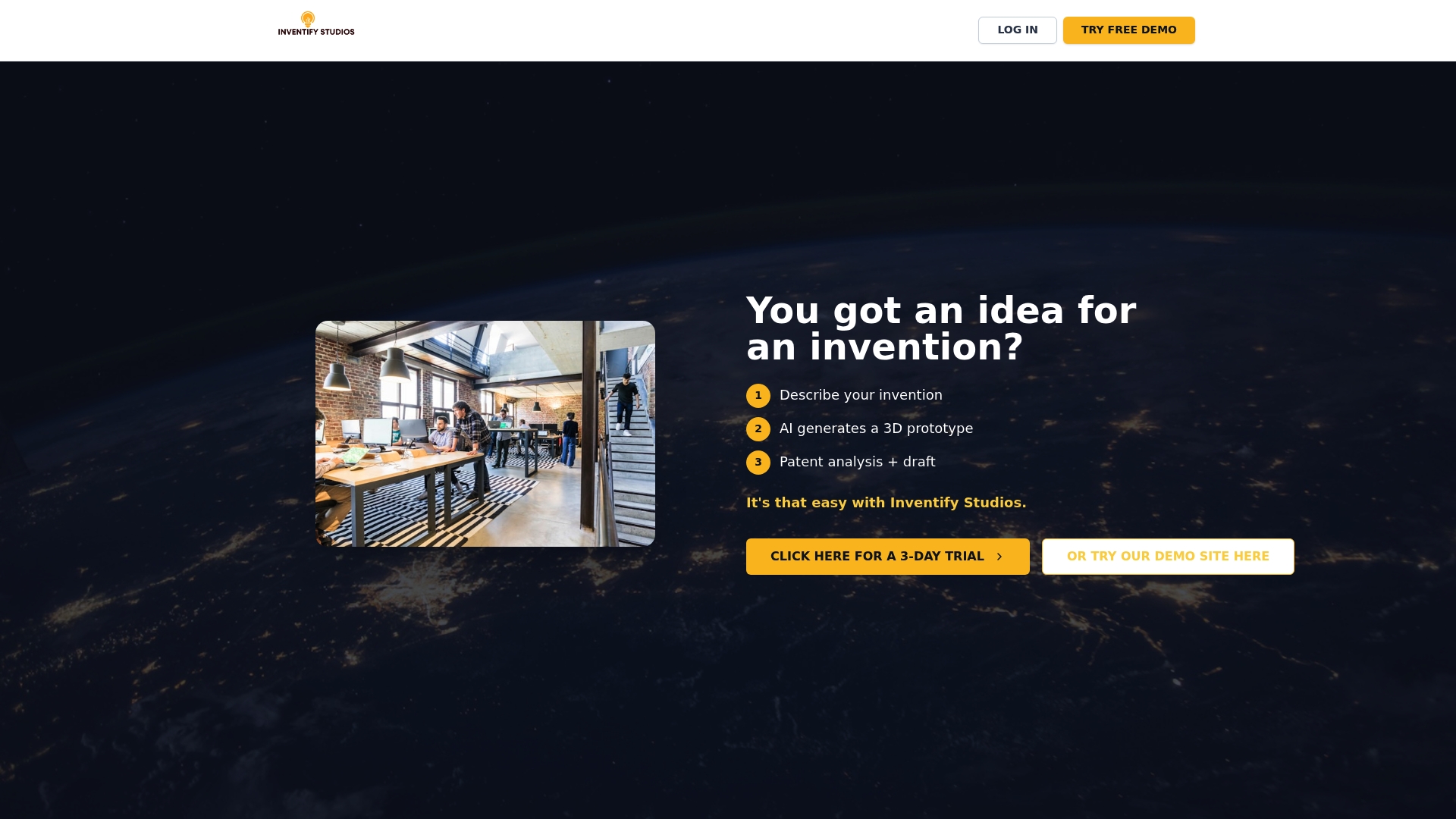
Stop feeling overwhelmed by complex processes or expensive consulting. Visit Inventify Studios now to create your own 3D prototype in minutes and generate actionable patent-ready drafts. Take control today and see how easy invention innovation can become with the right tools at your fingertips.
Frequently Asked Questions
How does Inventifystudios help with early-stage invention development?
Inventifystudios offers AI-generated 3D prototype visualization, transforming sketches or descriptions into professional models. This feature allows inventors to create shareable prototypes quickly, aiding in getting early feedback and refining ideas. Consider using Inventifystudios to streamline your initial development process.
What is the difference between Inventifystudios and Anima when it comes to prototyping?
Anima specializes in design-to-code conversion, making it ideal for designers who want to create interactive prototypes directly from design files. In contrast, Inventifystudios focuses on invention development tools, including patent analysis and prototype generation for early-stage inventors. Choose Anima for design-driven projects needing fast code generation.
Which software includes built-in market analysis and funding prep tools?
Inventifystudios includes market analysis and funding preparation tools, such as investor decks and basic financial forecasts. These features provide essential resources for novice inventors preparing to seek funding, making it suitable for your business development needs.
Can I use Anima if I need precise code output for production?
Anima may not guarantee a precise, one hundred percent faithful code output without post-processing, which can be essential for production. If you require high fidelity in your exported code, consider looking for other options that better meet that need.
Does Inventifystudios have a flexible payment model?
Inventifystudios offers a flexible payment model with time-limited access plans instead of ongoing subscriptions. This allows inventors to manage their costs effectively while getting access to necessary tools for their projects, making it a practical choice for budget-conscious users.