
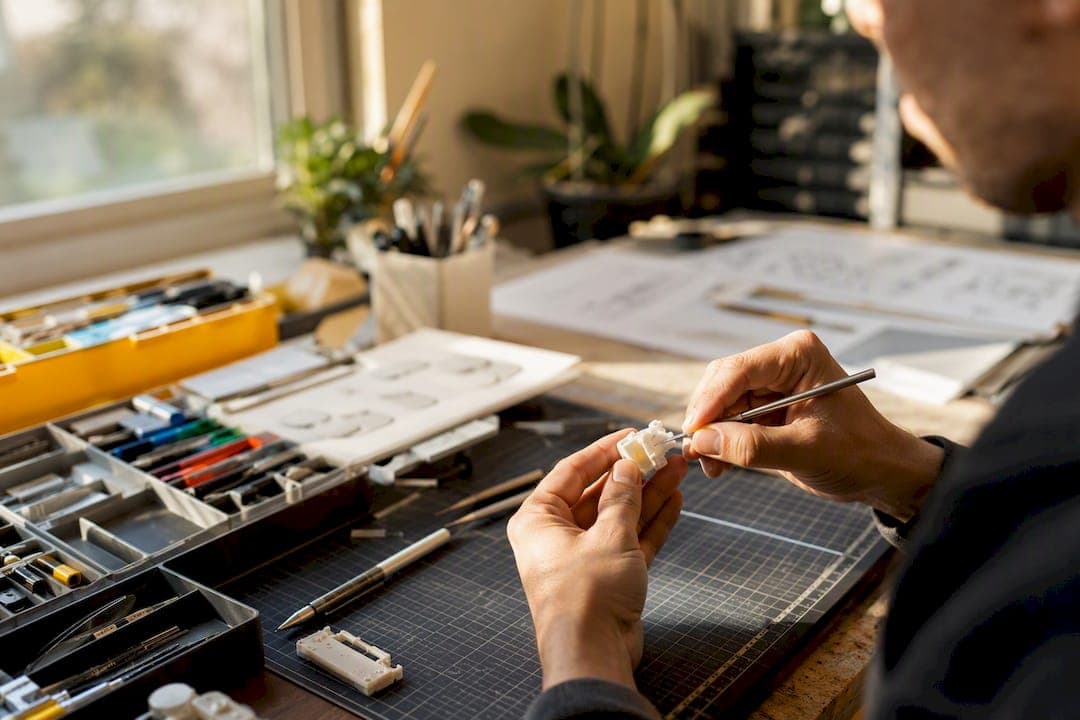
AI prototype generation turns a written idea, a rough sketch, or even a phone photo into a viewable 3D asset in minutes. For inventors, that means faster form validation, clearer investor and pitch materials, and less wasted money before you ever hire a CAD engineer.
The benefits of AI prototype generation break down into a few concrete wins:
- Speed: concepts move from description to 3D asset in minutes instead of weeks.
- Idea filtering: you kill weak concepts before spending on engineering.
- Investor-ready visuals: labeled renders back a provisional patent application (PPA) and strengthen a pitch deck.
None of this replaces a CAD handoff. AI output is a visual starting point, not a manufacturable part, and human review stays part of the process.
Key Takeaways
AI prototype generation works because it compresses idea validation into minutes while leaving precision engineering and legal review to humans.
| Point | Details |
|---|---|
| Speed over polish | Use AI renders to filter weak ideas fast, not as final manufacturable parts. |
| PPA visuals matter | Labeled AI renders strengthen provisional patent applications even though drawings aren't required. |
| Know the CAD switch point | Move to precision CAD once function, tolerances, or moving parts are involved. |
| Watch for hallucinations | Verify every AI-added feature against your original notes before filing or ordering parts. |
| Inventify Studios integrates both | The platform combines AI-generated 3D prototypes with patentability analysis and PPA drafting support in one workflow. |
Table of Contents
- What Are the Real Benefits of AI Prototype Generation?
- Where Does AI Fit in the Prototype-to-Manufacturing Workflow?
- Can AI Renders Support a Provisional Patent Application?
- What Are the Limits of AI-Generated Prototypes?
- What Files Should You Expect From an AI Prototype Generator?
- How Should Inventors Think About AI Prototyping Responsibly?
- Turn Your Concept Into a Prototype This Week
- Sources
What Are the Real Benefits of AI Prototype Generation?
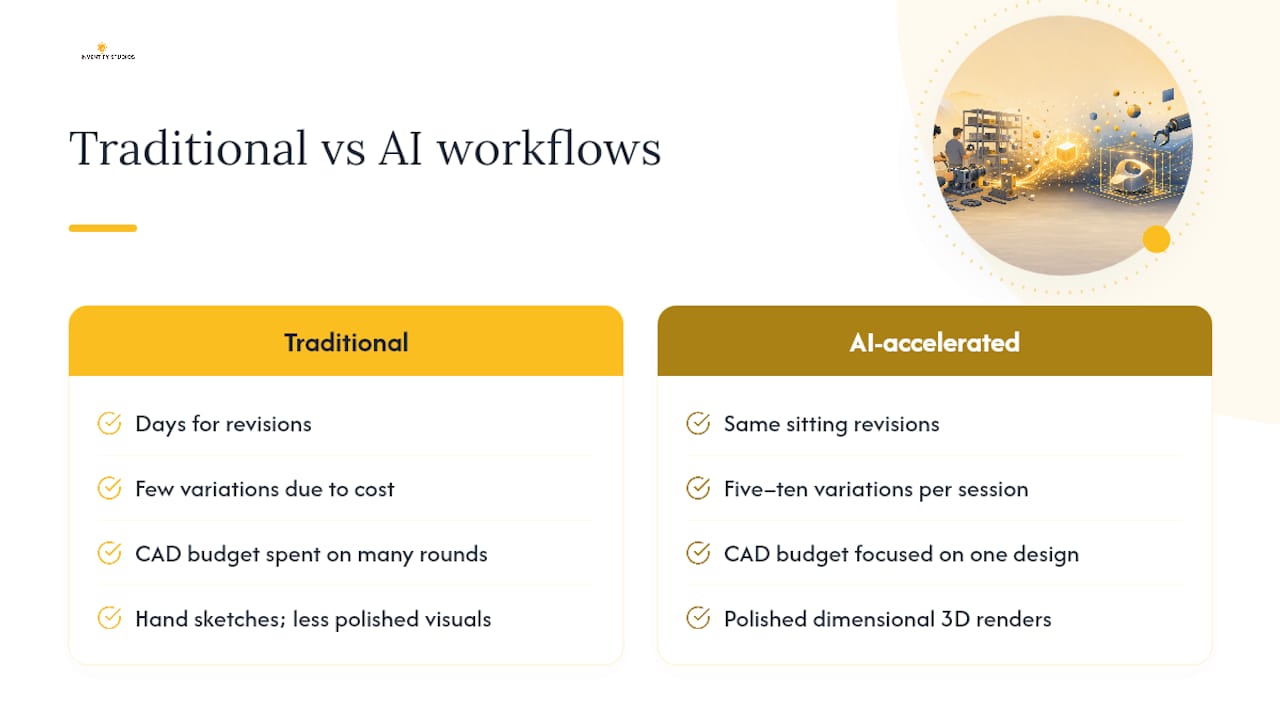
The biggest win is iteration speed. Instead of commissioning a designer for a rough concept sketch and waiting days for revisions, you can generate a 3D model, tweak the prompt, and see a new version within the same sitting. That compressed loop lets you explore five or ten variations on a hinge mechanism or enclosure shape before you settle on one worth funding.
Cost savings follow directly from that speed. Early-stage inventors traditionally paid for multiple rounds of CAD work or physical mockups just to compare silhouettes. AI-generated visuals let you make that comparison first, so the CAD budget goes toward the one design worth building, not five you're still deciding between.
There's also a filtering effect that's easy to underrate: seeing a bad idea rendered in 3D kills it faster than staring at a sketch ever will. A shape that looks clever on paper often looks awkward, oversized, or structurally odd once it's a rotating 3D object, and that clarity saves you from investing further in something that was never going to work.
For pitch materials, AI renders give you something a hand sketch can't: a polished, dimensional object that looks like a real product. Pair that with "Patent Pending" status from a filed PPA, and you have a credible package for investors or manufacturing partners. Imagine an inventor pitching a modular phone mount who generates a dozen render angles, picks the three strongest, and uses them in a PPA-backed pitch deck the same week the idea took shape.
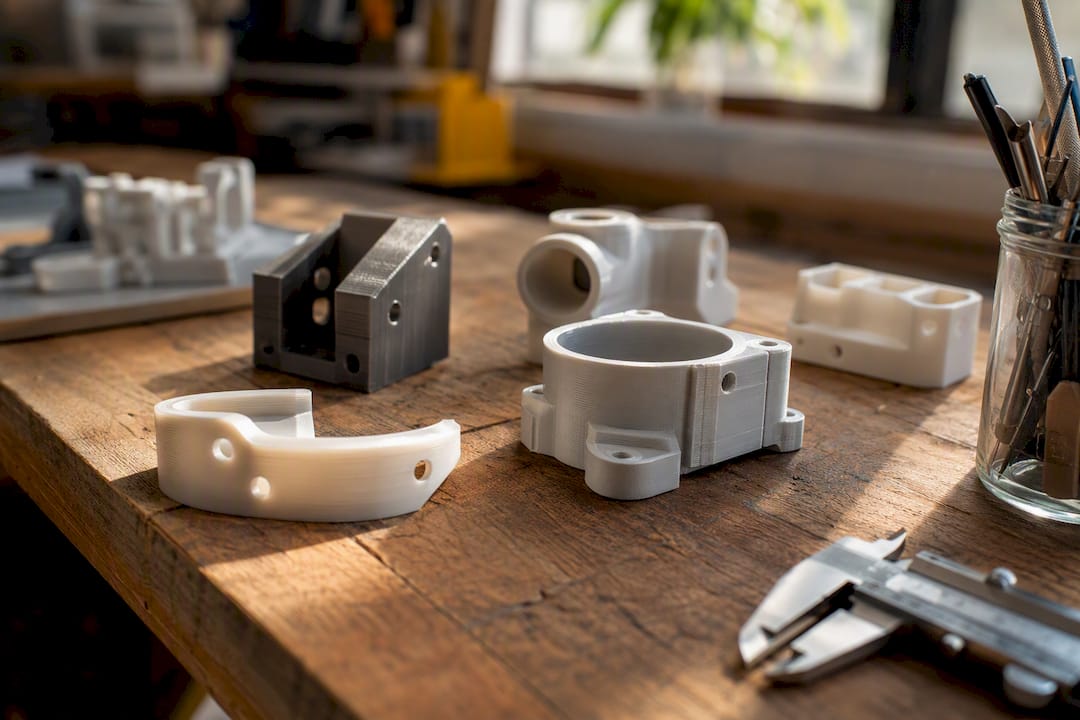
Statistic Callout: Generative AI can cut parts of the product development cycle by wide margins, with some workflows reporting substantial reductions in product development cycle times, though design expertise is still needed to judge what's actually manufacturable.
Shared visual assets also improve communication with cofounders, contractors, and early manufacturing contacts. Everyone can look at the same object instead of interpreting a verbal description differently.
Pro Tip: Generate three to five variations from the same prompt before picking a favorite. The outliers often reveal a feature or proportion you hadn't considered.
Where Does AI Fit in the Prototype-to-Manufacturing Workflow?
AI prototyping earns its place early. Knowing when to hand off to precision CAD is what keeps a project moving instead of stalling.
- Define the idea in plain language: function, category, rough scale.
- Prompt or sketch the concept into an AI 3D generator.
- Generate the model and review it for proportions and overall form.
- Iterate on prompts until the silhouette and scale feel right.
- Select the strongest version for documentation and pitch use.
- Rebuild in CAD once the exterior form is approved, or hand off to an engineer.
- Run manufacturability checks on wall thickness, tolerances, and materials.
- Print or prototype the engineering-reviewed version.
Two decision points matter most. If the exterior form is accepted and you're ready to talk to a manufacturer, move to CAD. If the invention has functional requirements, moving parts, or tight tolerances, skip straight to CAD. AI renders don't validate mechanical function.
Before paying an engineer or manufacturer, collect:
- Reference photos or renders showing the intended shape.
- A plain-language list of functional specs (what it does, how it moves).
- Preferred materials and rough budget range.
- Target tolerances for any interfacing or moving parts.
Pro Tip: Bring your AI renders to the first engineer conversation even if they're rough. A visual reference cuts scoping calls in half compared to describing the idea verbally.
Can AI Renders Support a Provisional Patent Application?
Provisional patent applications don't require professional engineering drawings, but clear, labeled visuals still strengthen a PPA and support "Patent Pending" claims in investor conversations. A text-only filing leaves more room for later validity challenges than one backed by consistent, labeled figures.
That said, AI carries real risk here. Models can hallucinate technical details that don't match your actual invention, and raw AI renders don't meet the formal drawing standards under 37 CFR §1.84 that examiners expect for official patent figures. Vague or inconsistent visuals also raise enablement questions under 35 U.S.C. §112.
Practical steps that hold up:
- Label every AI render with part names matching your written description.
- Keep dated invention disclosure notes alongside each render version.
- Have a person review your final figure set before filing, not just the AI output.
Pro Tip: Avoid uploading detailed, unfiled invention concepts to public AI platforms. Treat anything not yet filed as confidential.
Legal Caveat: Human review of every figure and claim remains mandatory. AI can hallucinate technical detail in ways that create enablement defects, and no AI tool substitutes for a person confirming your specification matches your actual invention.
What Are the Limits of AI-Generated Prototypes?
AI meshes fail in predictable ways: dimensions that don't match real-world scale, geometry that can't actually be manufactured, missing internal features, inconsistent labeling across different render angles, and outright hallucinated technical details that were never part of your design.
Treat every AI output as a visual maquette, not an engineering file. Run a basic printability check before ordering anything physical. Rebuild load-bearing, seal-critical, or interfacing parts in parametric CAD rather than trusting the AI mesh's internal structure.
Mitigation checklist before ordering parts or filing documents:
- Confirm scale against a known reference object.
- Flag any part that bears weight or seals against another part for CAD rebuild.
- Cross-check reference numerals across all views for consistency.
Pro Tip: If an AI render shows a feature you didn't prompt for, don't assume it's intentional. Verify it against your original notes before it ends up in a filing.
What Files Should You Expect From an AI Prototype Generator?
Expect a mix of visual and technical outputs, though fidelity varies by tool. Standard deliverables include high-resolution renders, OBJ or STL mesh files, lighter retopologized meshes for easier editing, and in more advanced platforms, parametric CAD exports. LLM-assisted CAD frameworks can even generate CAD scripts and 3D-printable outputs, though fine-detail dimensional accuracy still lags behind hand-built CAD.
Prompt checklist (minimum inputs a generator needs):
- Product category and intended use.
- Rough silhouette or reference shape.
- Scale reference (compare to a known object).
- Intended materials.
- Interfaces or connection points.
- Any moving or adjustable parts.
Deliverables to hand an engineer or manufacturer:
- Annotated render views from multiple angles.
- A clear scale reference.
- Bill-of-materials-level notes on intended parts.
- Target tolerances, even if approximate.
Pro Tip: Before paying for engineering, confirm you have all six prompt inputs above plus a scale reference. Missing scale is the single most common reason early CAD quotes come back wrong.
How Should Inventors Think About AI Prototyping Responsibly?
At Inventify Studios, we built our platform around one idea: AI should accelerate form exploration, not replace judgment. We pair AI-generated 3D prototypes with integrated patent support so inventors move from concept to PPA-ready documentation without guessing. One typical outcome we see: an inventor generates renders in an afternoon, uses them in a pitch deck the same week, and files a PPA backed by labeled visuals instead of a text-only description. Every export still supports handoff to a human engineer.
Turn Your Concept Into a Prototype This Week
Inventify Studios gets you from idea to investor-ready visuals faster than commissioning a designer or CAD firm for early concept work, without the upfront cost of traditional consulting, and can be complemented by AI-powered digital marketing and app development services for your product launch strategy. You describe the invention, generate a 3D prototype in minutes, and pair it with patentability analysis and provisional patent drafting guidance in the same platform.
If you've got a concept sitting in a notebook or a phone photo, start by generating your first 3D prototype through Create Invention. If you want to see how the platform handles deeper documentation and export options before committing, check out the Invention Detail page. Either way, the next step is the same: turn the idea into something you can show someone this week.
Sources
- Can AI write a patent application without wrecking your rights?
- Generative AI fuels creative physical product design but is no magic wand