
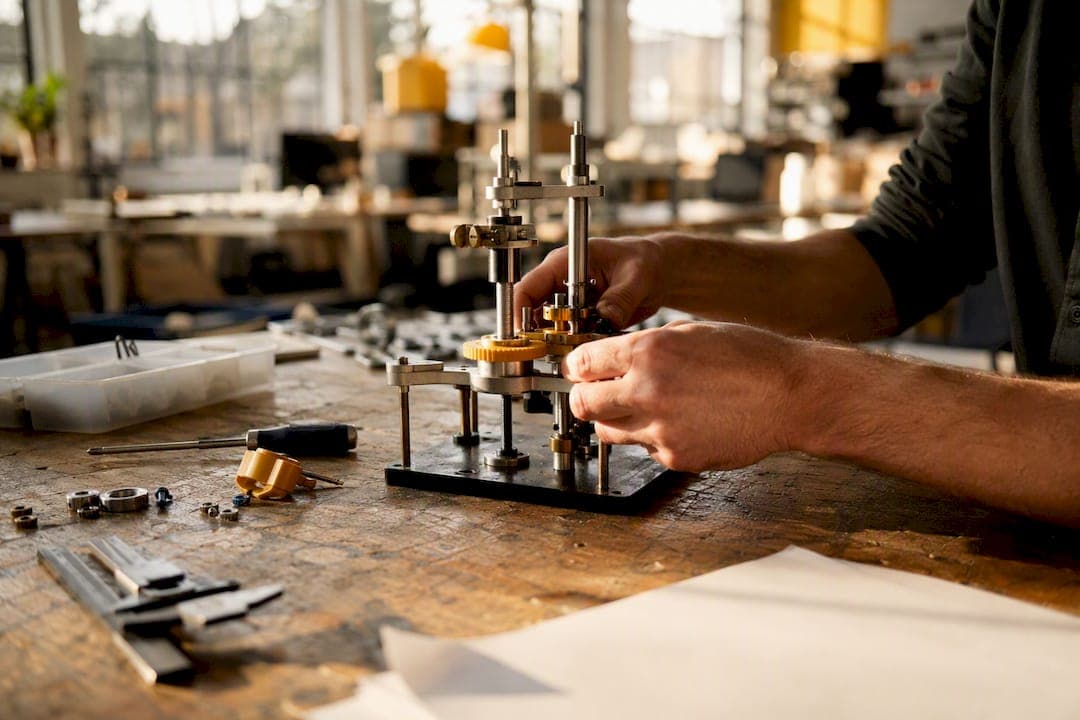
Run short, question-driven iterations, match fidelity to what you actually need to learn, and use RITE-style testing wherever you can. That's the whole game. Skip a clear research question and you get noisy feedback. Overbuild fidelity and you burn weeks on a prototype meant to answer one yes-or-no question.
Three moves matter most right now:
- Define the learning question before you touch a tool.
- Pick fidelity using Near, Far, Sweet so you build only what the test requires.
- Run a timeboxed RITE loop or quick usability pass, fixing issues between participants instead of waiting for a full report.
These build on proven signals: the RITE method, the Near-Far-Sweet fidelity framing, data saturation as a stopping rule, and a designer-developer-PM team working the problem together in real time.
Key Takeaways
Effective prototype iteration depends on defining a single testable question, matching fidelity to that question, and fixing problems in real time with a designer, developer, and PM in the loop.
| Point | Details |
|---|---|
| Start with one question | Write a pass/fail research question before choosing any tool or fidelity level. |
| Match fidelity to the question | Use Near-Far-Sweet to avoid overbuilding a prototype meant to answer a simple question. |
| Fix issues in real time | Run RITE-style tests with designer, developer, and PM present to change the build between participants. |
| Know your stop criteria | Stop at data saturation or once critical tasks clear roughly 80% success with diminishing returns after. |
| Speed up early builds with Inventify Studios | Inventify Studios generates 3D prototypes and runs patentability checks in minutes, cutting the time between concept and testable build. |
Table of Contents
- Prototype Iteration Best Practices Start With One Question
- How Do You Choose the Right Prototype Fidelity?
- When Should You Use RITE Instead of Traditional Usability Testing?
- How Do You Separate Real Feedback From Noise?
- When Should You Stop Iterating on a Prototype?
- Who Needs to Be in the Room for Fast Iteration?
- A One-Week Prototype Iteration Checklist
- Speed Up Prototype Iteration With AI-Assisted Tools
- Why Fast, Rough Iteration Beats Early Polish
- Frequently Asked Questions
- Sources
Prototype Iteration Best Practices Start With One Question
Every wasted iteration traces back to the same mistake: no clear research question. "What do you think?" is not a test objective. It's a shrug wearing a clipboard, and IDEO's own prototyping principles warn against exactly that kind of open-ended prompt.
Write your question so it resolves to pass or fail. Templates that work:
- "Can a first-time user complete [task] without assistance in under [time]?"
- "Do users understand [feature] well enough to explain it back correctly?"
- "Does [design change] reduce the error rate on [specific step]?"
Scope the question to one variable. Test navigation OR pricing comprehension OR error recovery, not all three stitched into one session. For recruitment, five to eight users from a single, homogeneous segment usually surfaces the dominant patterns. Add more only if you're testing across multiple distinct user types.
Pro Tip: Write the question so a stranger reading your notes afterward could tell you, without asking, whether the test passed or failed.
How Do You Choose the Right Prototype Fidelity?
Fidelity should follow the question, not your budget or your excitement about a new tool. The Near-Far-Sweet framing, echoed in HBS's rapid prototyping guidance, gives you a simple filter:
- Near fidelity (paper sketches, low-fi wireframes) for early direction checks: does this concept make sense at all?
- Sweet fidelity (clickable prototypes, mid-fi mockups with real content) for flow and comprehension testing, where most iteration cycles live.
- Far fidelity (interactive UI with mock APIs, CAD models, 3D-printed parts) reserved for questions that only physical or fully functional interaction can answer, like ergonomics or a hardware fit test.
Speed, accuracy, and engineering cost trade off directly. A paper prototype costs almost nothing and answers almost nothing precisely. A working CAD model with 3D-printed components answers a lot but costs days, not hours. Decide early whether this build is throwaway (built to learn, then discarded) or evolutionary (built to survive into the next version).
Pro Tip: Match each iteration's single research question to the cheapest fidelity that can honestly answer it. Building higher than that just delays the next test.
When Should You Use RITE Instead of Traditional Usability Testing?
RITE testing fixes problems between participants rather than waiting until a study wraps to write recommendations. A designer, a developer, and a PM need to be in the room, or the loop breaks, because someone has to decide, someone has to build the fix, and someone has to own the product tradeoff. That's the model RITE testing documentation lays out, and it converges teams on working designs in days instead of weeks.
Traditional, fixed-build usability testing still has a place: summative benchmarking, comparing a stable baseline against a competitor, or measuring metrics you need to hold constant across every session.
| Approach | Best for | Change timing | Team required |
|---|---|---|---|
| RITE | Formative, early-stage validation | Between participants | Designer, developer, PM |
| Traditional usability | Summative benchmarking, stable baselines | After full study completes | Researcher, sometimes solo |
A mini schedule that works well:
- Morning: run three to four participants, fixing obvious issues after each.
- Midday: pause, huddle as a team, decide on any structural change.
- Afternoon: run remaining participants against the updated build.
Cap synthesis at 30 to 60 minutes per session block or it becomes the new bottleneck. AI-assisted transcription and pattern-tagging tools can compress that further, which is exactly where AI-accelerated synthesis earns its keep for lean teams.
Pro Tip: If your team can't gather for a same-day fix decision, you're not running RITE. You're running slow usability testing with extra paperwork.
How Do You Separate Real Feedback From Noise?
Not every comment deserves a ticket. The distinction between usability friction that blocks a goal and a subjective preference about button color is the difference between signal and noise in design feedback, and skipping that filter is how backlogs fill with busywork.
Capture observations the same way every session: a short note on what happened, a severity tag, and a ten-second video or screenshot when something breaks. That consistency is what makes synthesis fast later.
- Obvious fixes: multiple users hit the same wall, no ambiguity. Fix immediately.
- Needs more data: one user struggled, unclear if it's a pattern. Flag for the next round.
- Preference noise: opinions about color, tone, or layout with no task impact. Log and move on.
Run each flagged issue through a quick impact-versus-effort call: high impact, low effort gets fixed now; high impact, high effort gets planned; low impact items usually get dropped unless they're nearly free to fix.
Pro Tip: Keep a one-line decision log for every change: the question you were testing, the evidence you saw, and what you decided. Six months later, nobody remembers why a button moved. The log does.
When Should You Stop Iterating on a Prototype?
Speed only matters if you know when to stop. Timebox the engineering work for each round, and favor the smallest testable change over the "correct" one, as explained in how to scope a custom software project without wasting budget. A geometric pattern shows up consistently in iteration research: the first iteration takes the most effort, and each subsequent pass gets cheaper as you reuse what you already built.
Measure with something concrete: task success rate, a single ease-of-use question, median task time, error rate, or conversion lift on a clickable prototype.
- Stop when you hit data saturation: the last two or three participants surface nothing new.
- Stop when a critical task clears roughly 80% success and further changes show diminishing returns.
- Discard the prototype if the core assumption failed. That's not wasted time. It's a wrong direction caught before you built it in production.
- Evolve the prototype into a production build only after a fidelity and code-quality review, not by quietly shipping test scaffolding.
Who Needs to Be in the Room for Fast Iteration?
Rapid loops fall apart when the wrong people are missing or the wrong people show up expecting a finished product. Keep the core group tight: designer, developer, PM, with product leadership joining only when a decision needs their sign-off.
- State the research question out loud before any demo starts, every time.
- Label fidelity clearly. A gray-box wireframe shown without context gets judged like a shipped feature.
- Run daily micro-loops for fast-moving features, weekly RITE sprints for bigger flows, and monthly synthesis reviews to catch patterns across cycles.
Pro Tip: Agree in advance on what counts as an "obvious fix" versus a discussion item. Without that line drawn early, every session turns into a design debate instead of a test.
A One-Week Prototype Iteration Checklist
Run this sequence once and you'll have a repeatable loop for every prototype after:
- Define the research question in one sentence.
- Pick fidelity using Near, Far, Sweet.
- Recruit five to eight participants from one segment.
- Test, fixing issues between participants if running RITE.
- Synthesize within an hour of the session ending.
- Decide: fix now, plan for later, or drop.
- Implement the smallest testable change and create a ticket.
A two-day rapid loop covers steps one through four on day one and five through seven on day two. A single-day RITE plan compresses all seven into one sitting for a smaller, well-scoped question. Either way, produce three artifacts minimum each cycle: a session recording, a decision log entry, and a ticket. Skip any of those and the next team member repeats work you already did, a gap covered in more detail in this guide to prototype stages.
Speed Up Prototype Iteration With AI-Assisted Tools
Everything above assumes you can build a testable prototype fast enough to keep pace with your questions. That's often the actual bottleneck, not the testing process itself.
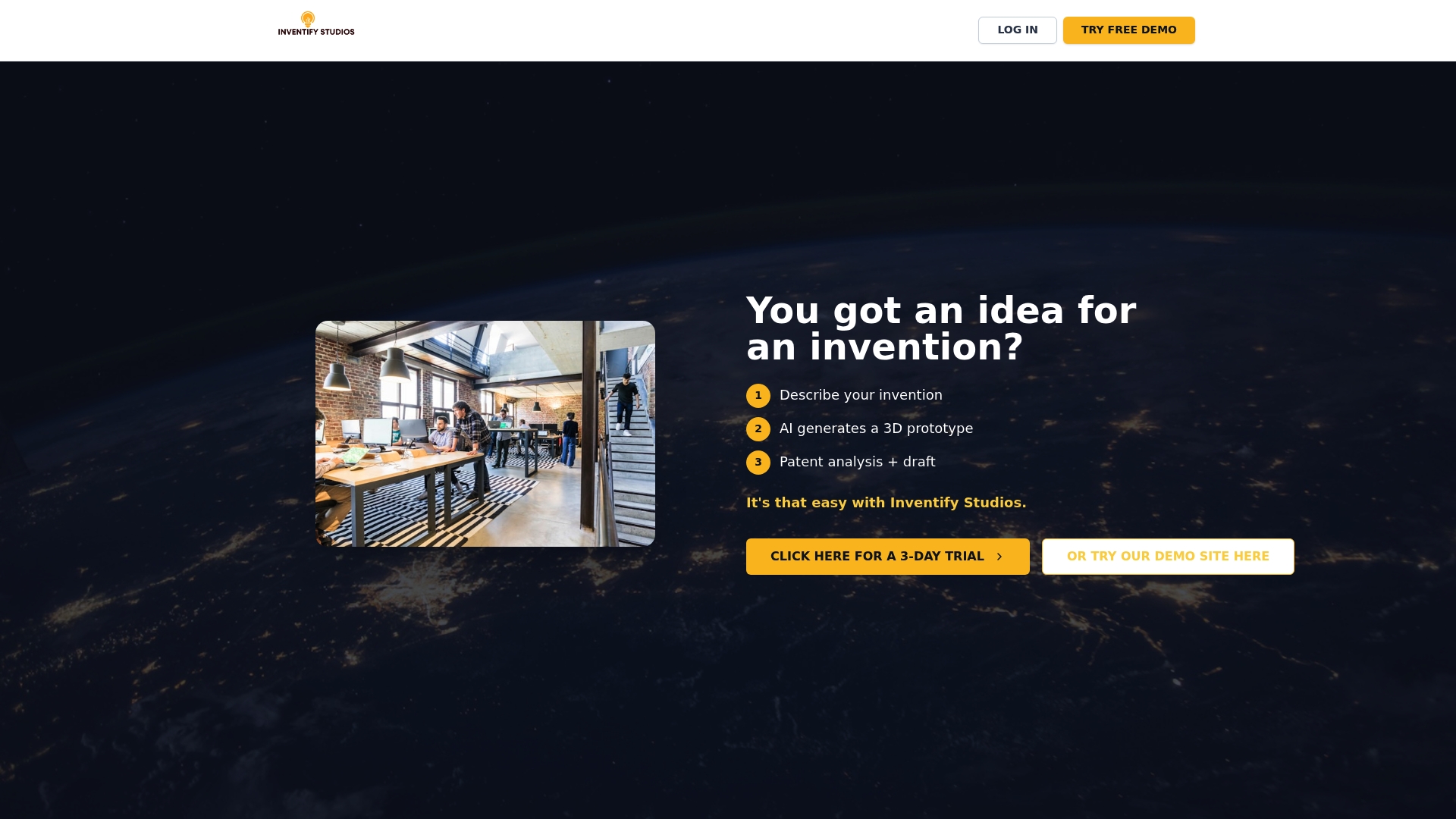
Inventify Studios generates 3D prototypes in minutes instead of days, which matters most in the early Near and Sweet fidelity rounds where you're testing direction, not polish. The platform also runs a patentability check alongside the prototype, so you're not waiting on a separate process to find out whether a concept is worth iterating on at all. For hardware-leaning inventors running rapid concept loops, or anyone prepping investor-facing mockups on a tight runway, that combination shortens the gap between "we have an idea" and "we have evidence." Teams using this workflow typically get to a go or no-go decision faster, because a bad direction gets ruled out before real engineering time gets spent on it. If your next test cycle is stalled on prototype-building rather than user access, check the Invention Detail page and see whether an AI-generated first pass gets you into testing this week instead of next month.
Why Fast, Rough Iteration Beats Early Polish
The instinct to make the first prototype look finished is almost always wrong. A rough version that fails fast teaches you more than a polished one that quietly hides its flaws behind good visual design. Teams that treat a failed test as wasted effort tend to keep polishing a bad direction, when the failure was the useful part.
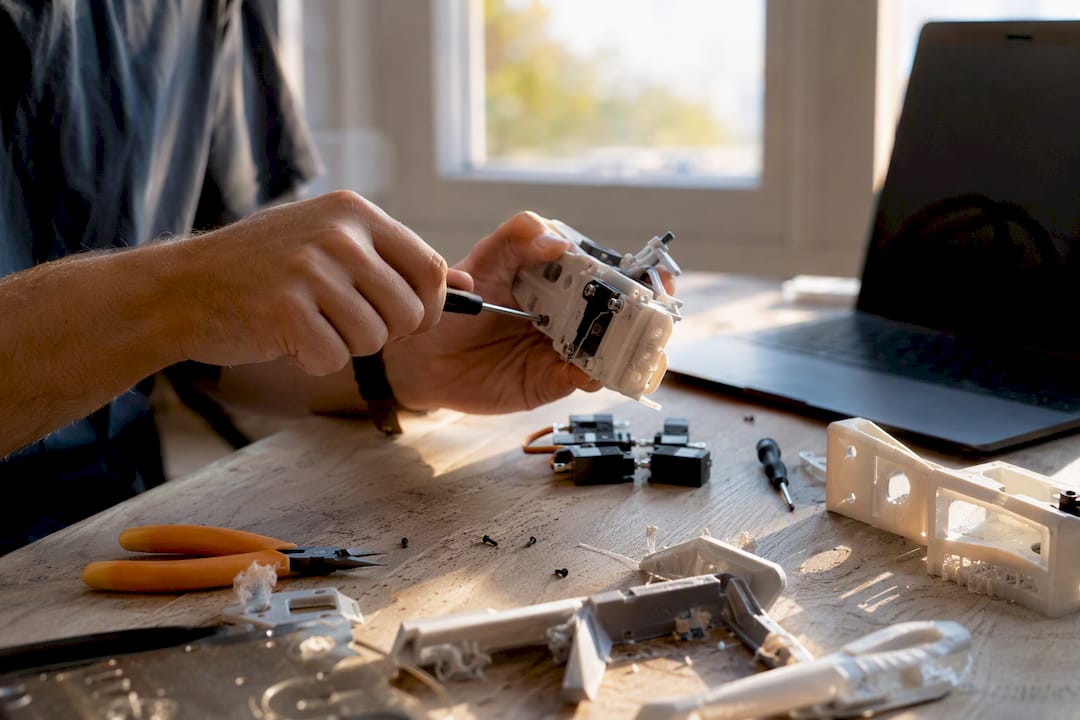
The RITE method works because it forces a decision in the room, not in a report nobody reads until the next sprint planning. That's a cultural shift as much as a process one. Most teams already know how to test. Few are willing to change the build mid-session and accept the discomfort that comes with it. Read more on the mechanics of that shift in this breakdown of how prototypes reduce development risk.
Frequently Asked Questions
What is the prototype iteration cycle, explained simply? It's a repeating loop of build, test, and refine: define a question, build the minimum prototype that can answer it, test with real users, and use what you learn to decide the next change.
How many rounds of iteration are typical before launch? There's no fixed number. Teams typically keep iterating until they hit data saturation, when new sessions stop revealing new problems, or a critical task consistently clears a solid success rate.
What's the fastest way to get user feedback on a prototype? Recruit five to eight users matching your target segment and run a RITE session, fixing obvious issues between participants instead of waiting for a full report to compile.
Do I need coding skills to build an early-stage prototype? No. Paper sketches and clickable mockups built in no-code tools answer most early direction questions. Save code and CAD work for the fidelity level that actually requires it.
Sources
- 7 principles to guide your prototyping
- Rapid prototyping
- Design prototyping methods: state of the art in strategies, techniques, and guidelines | Design Science